Children & schools
Bright 3D racing with questions from the lesson. No chat with strangers, virtual coins only, results the teacher can see.
For schools →For schools & colleges
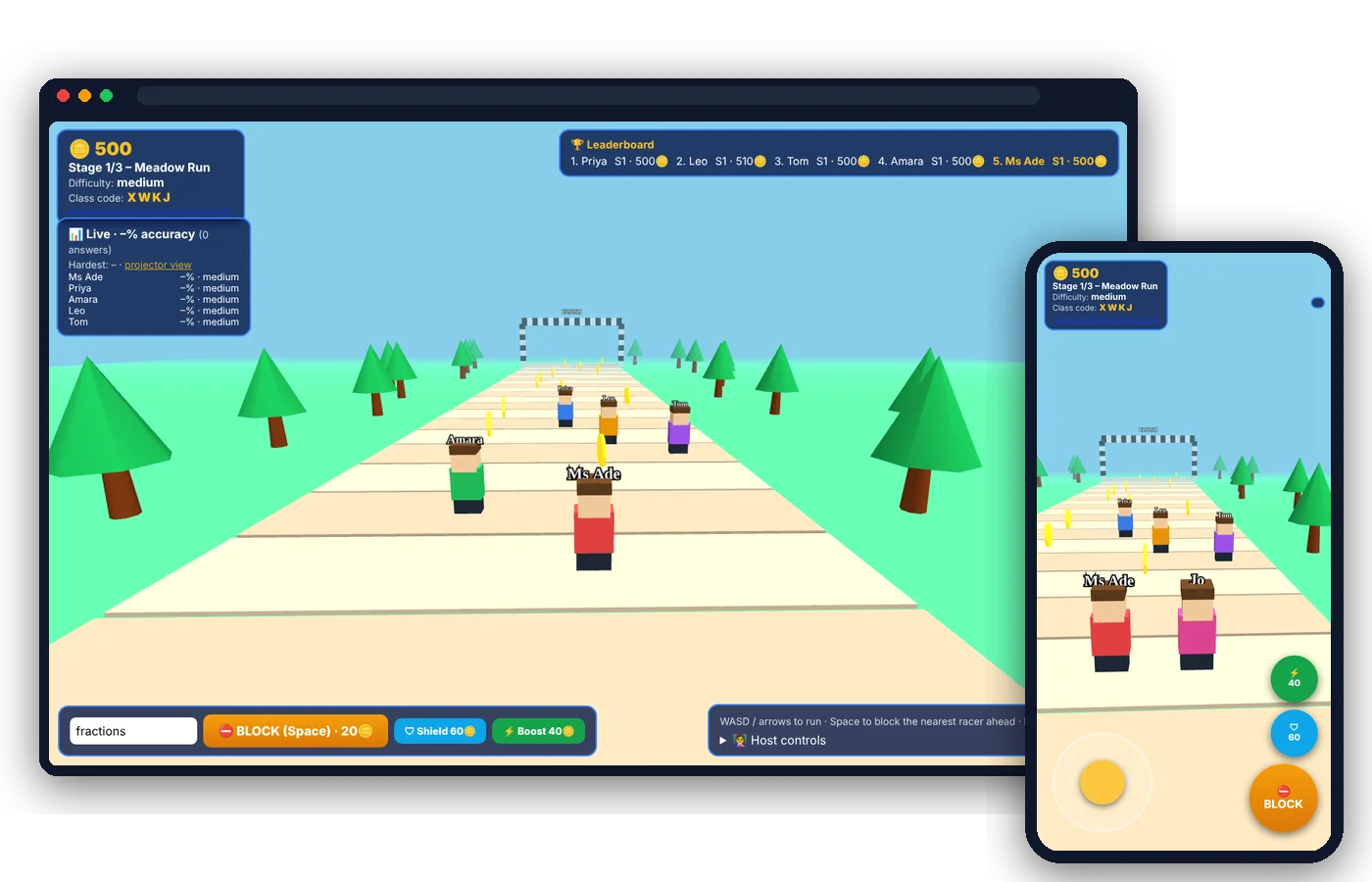
Upload your curriculum, open a class and let students race on any phone. Every block is a question from your own lesson.
Who it’s for
Bright 3D racing with questions from the lesson. No chat with strangers, virtual coins only, results the teacher can see.
For schools →Quiz races and team decisions for game night, brain games for grandparents, private rooms for the whole family.
For families →Onboarding, compliance, safety and leadership training your staff actually play — built from your own documents.
For business →Also for healthcare teams and defence & services training.
How a game works
Upload a PDF or notes once. Every question in every game mode comes from it, at easy, medium or hard.
Scan the QR code or type the class code. No app store, no download — it installs like an app if you want.
Block the racer ahead and they must answer. Right keeps you moving and earns coins; wrong slides you back.
Game modes
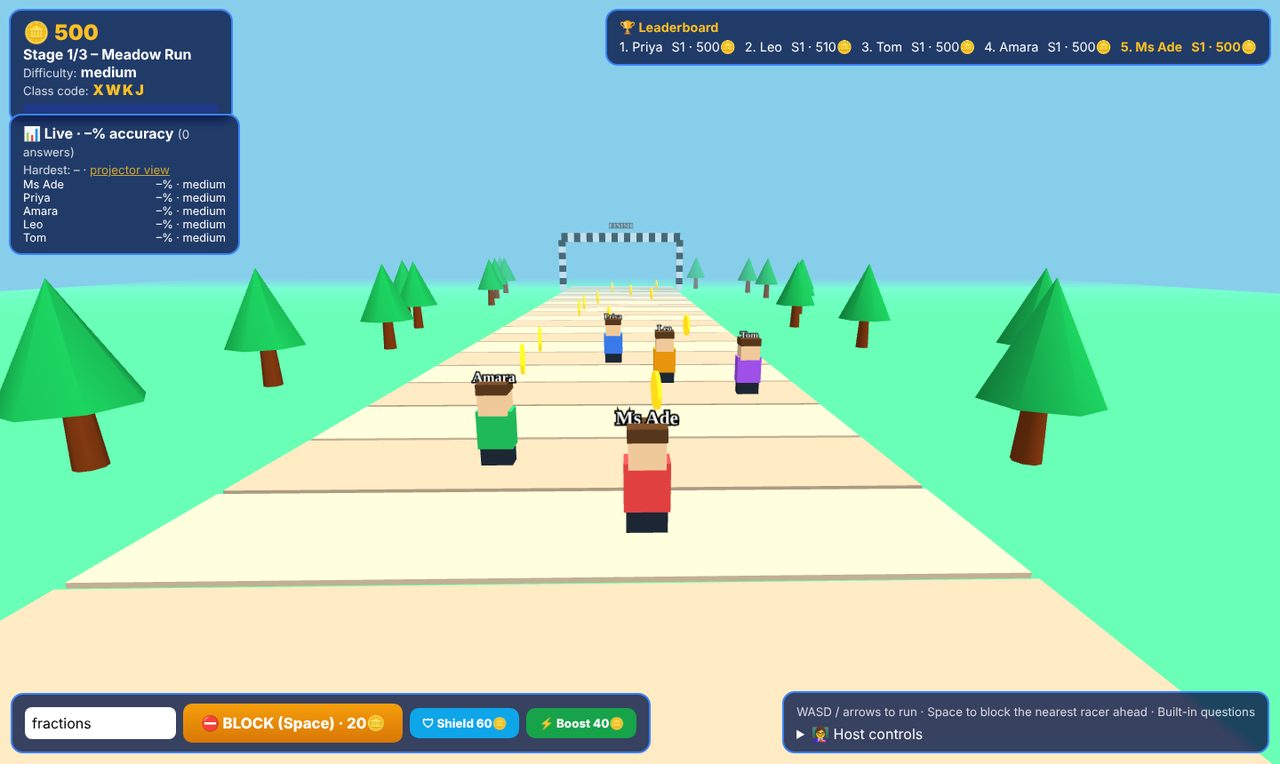
Three stages, coins to collect, shields and boosts to buy, and a question every time someone blocks you.
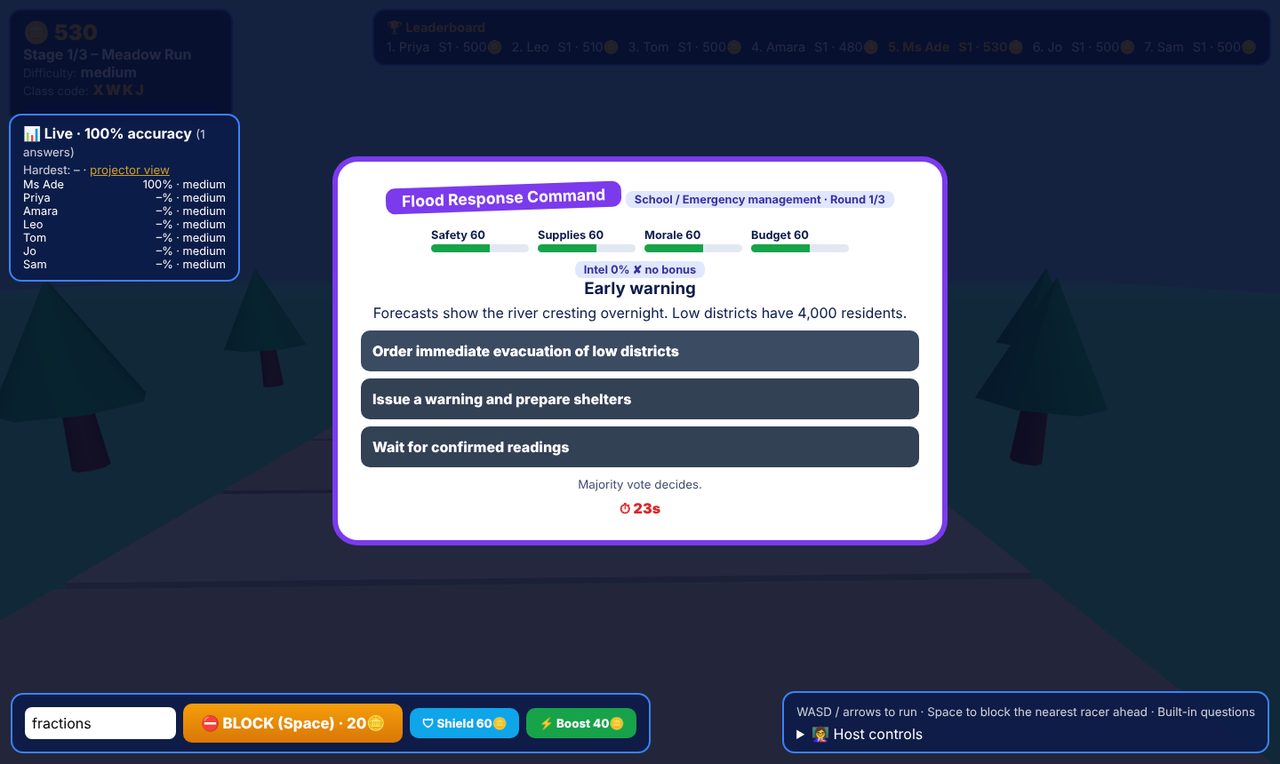
The class is one team. Answer intel questions, then vote on real trade-offs. AI can write new scenarios from your curriculum.
Coming next: Game Show · Obstacle World · Treasure Hunt · Robot Battle
Snapshot gallery
Real screenshots from the game. Tap any picture to enlarge.
For lecturers & teachers
This week
Signed-in players’ finished games count. Play more, answer better, climb higher.
Full leaderboardAndroid apps
Each edition opens Gilrobomaster in its own setting and updates itself. On iPhone or iPad, open the site in Safari and choose “Add to Home Screen”.
For schools & colleges
Open in browserFor workplace training
Open in browserFor healthcare teams
Open in browserFor families & all ages
Open in browserFor defence & services training
Open in browserYes. Anyone can play, as a guest or with a free account. Organisations that use AI-written questions a lot can buy extra AI credits; coins in the game are virtual and can never be bought or cashed out.
Yes. Turn on the voice guide (press V, or the Voice guide button). It reads out everything — questions, answers, your position, who is near you — and auto-run lets you race without steering. Answer by key or by voice, and it works with screen readers such as VoiceOver, TalkBack and NVDA. Every page on this site has a Listen button too.
Players can’t message each other, there are no adverts aimed at children, and nothing in the game costs real money. Lecturers and parents control rooms, and every room is private to its code. See our Safety & Privacy page.
No. It runs in the browser on phones, tablets and computers. You can also add it to your home screen, or use one of our Android apps.
Yes. Lecturers, trainers and managers upload a PDF or notes, and every game mode asks its questions from it — easy, medium or hard.
A whole class or team in one room. Everyone joins with the room code or by scanning the QR code on the host’s screen.
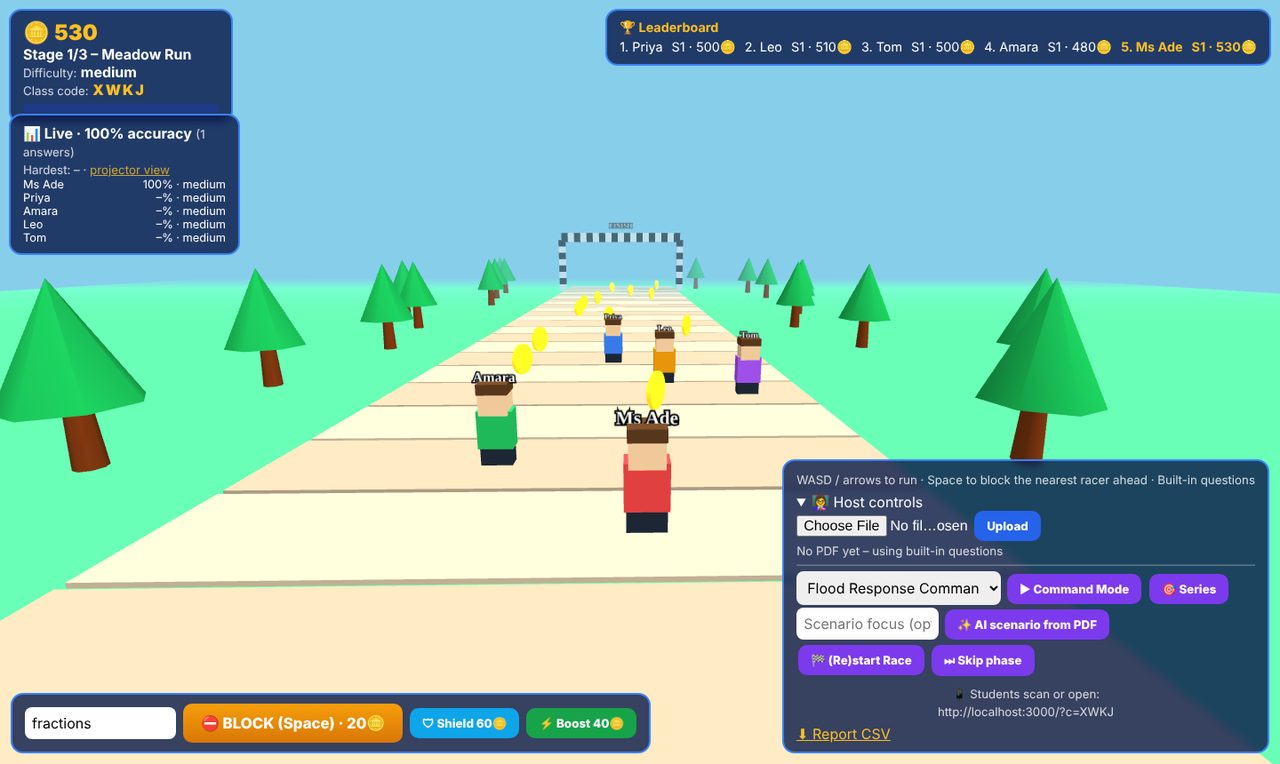
Hosts see live accuracy and the hardest topic during the game, and can download a CSV report. Signed-in players collect badges and certificates with a verification code.